
How to Find Subscriptions You Forgot About and Stop Recurring Charges
How to Find Subscriptions You Forgot About and Stop Recurring Charges
If money gets tight before payday, the last thing you need is a $7.99 charge here, a $12.99 charge there, and another payment you barely recognize pulling money out of your account.
One subscription does not look like much. Five of them do. And the frustrating part is that you may not even remember signing up for some of them.
The good news: you can find subscriptions you forgot about without paying for another app. Your bank statements, phone, email, and payment accounts are enough to get started.
Quick answer
To find forgotten subscriptions, review at least 90 days of bank and credit card transactions for repeating merchants or amounts. Then check Apple or Google Play subscriptions, PayPal or other payment accounts, and email receipts. Finally, scan the last 12 months for annual renewals and cancel anything you no longer use.
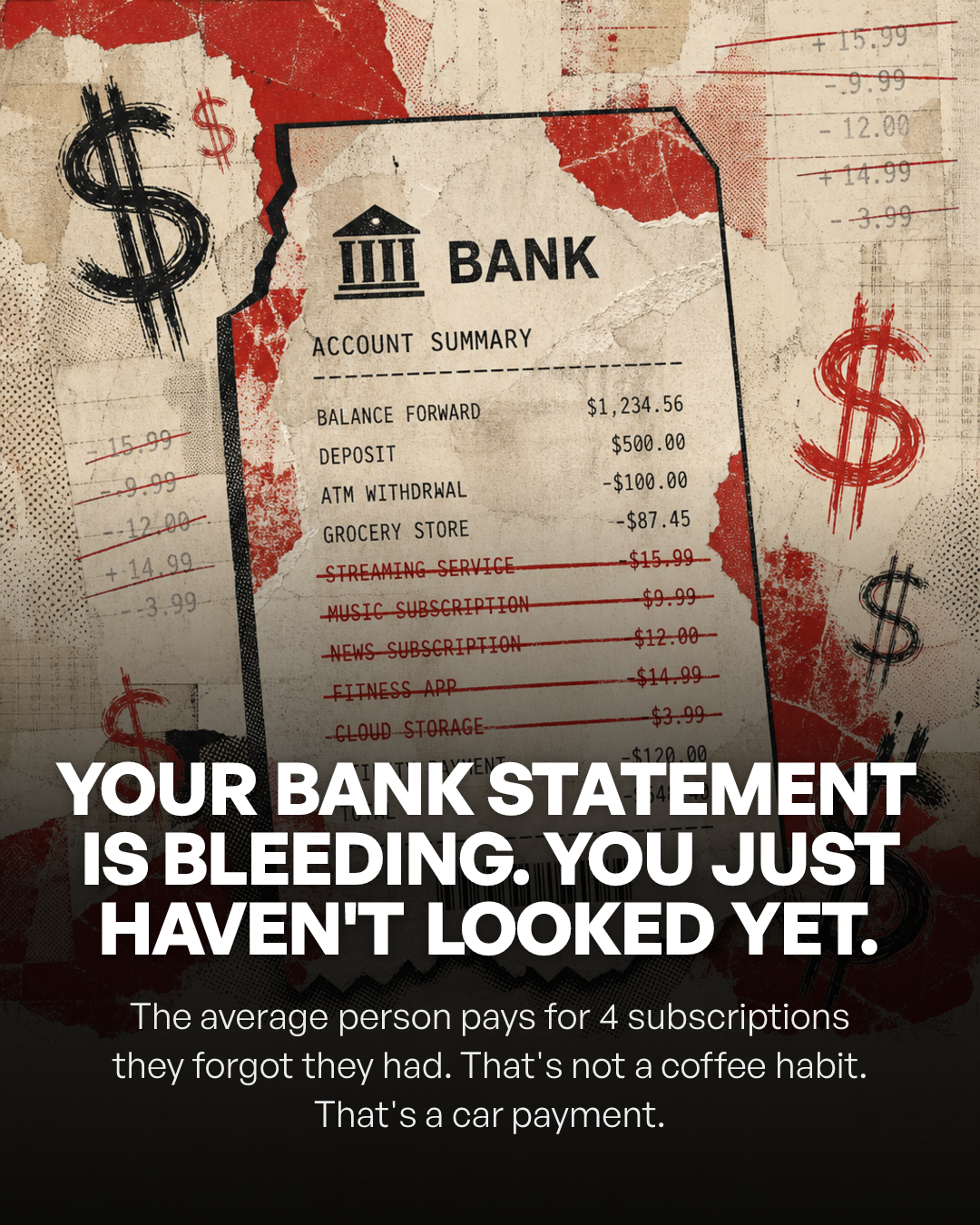
Small recurring charges are easy to miss when they are mixed in with groceries, gas, and everyday spending.
Step 1: Pull 90 days of bank and credit card activity
Start with every account where subscription money can leave: your checking account, the credit cards you regularly use, and any second account you sometimes use for bills.
Look at the last 90 days first. That makes monthly patterns much easier to spot than reviewing a single statement.
Then do one more pass over the last 12 months. A 90-day review can catch most monthly charges and some quarterly charges, but it can miss annual renewals.
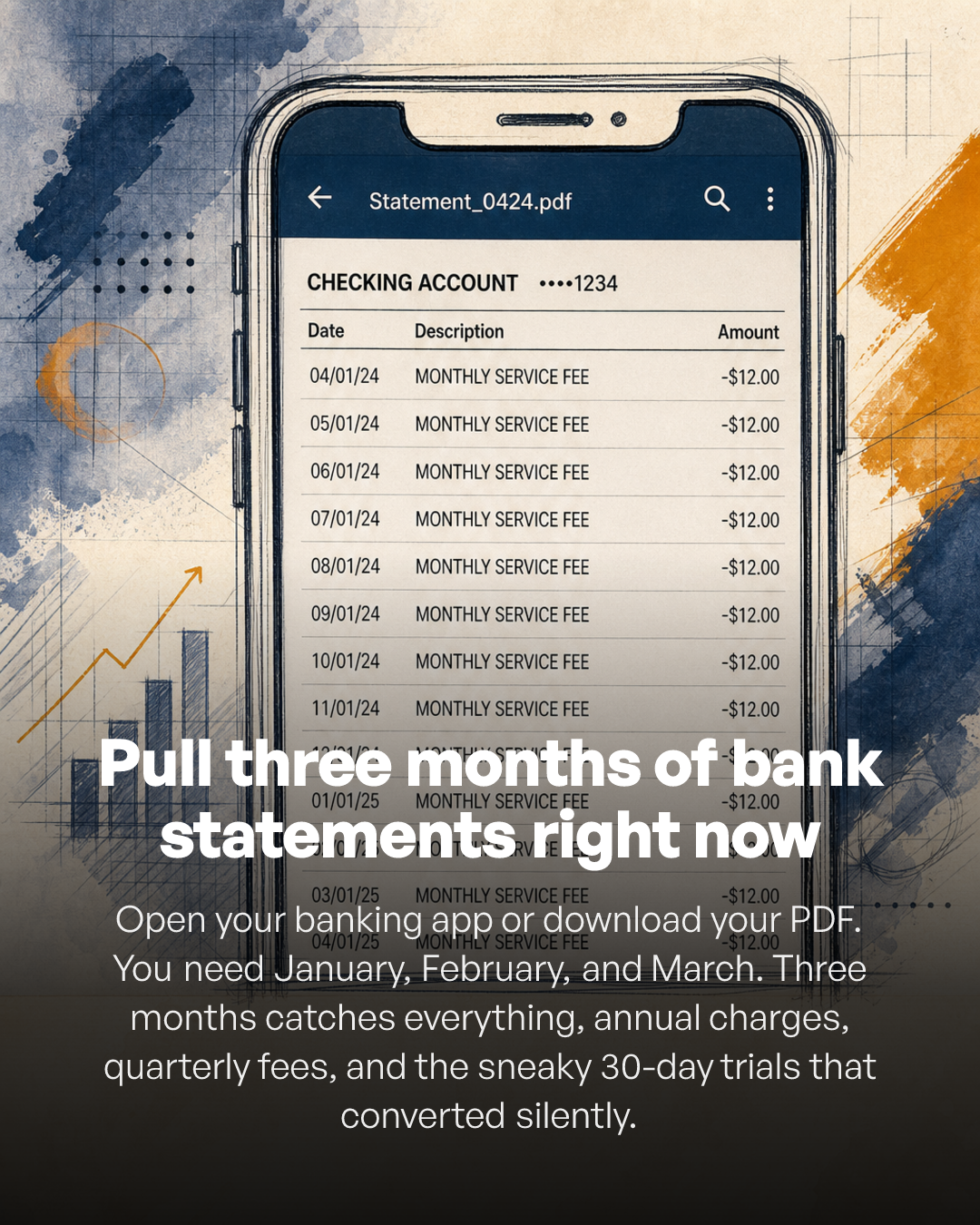
Start with 90 days of transactions, then check the last year separately for annual renewals.
What should you look for?
Look for patterns instead of trying to recognize every merchant immediately. A $9.99 charge around the same date each month deserves a second look. So does a $14.99 charge that shows up three months in a row.
Merchant names are not always obvious. A charge may use a parent company, payment processor, or shortened billing name instead of the app or service name you remember.
Make one simple list as you go. Your Notes app is fine. Paper is fine. You do not need a complicated budget spreadsheet.
The goal is not to build a perfect budget. The goal is to see what is leaving your account.
Step 2: Search your banking app for recurring charges
Many banking and credit card apps include search, recurring-payment, bill, or merchant tools. The wording is different from bank to bank, so look for sections labeled recurring, subscriptions, scheduled payments, automatic payments, bills, or repeat transactions.
If your app has a transaction search bar, search service names and common categories one at a time.
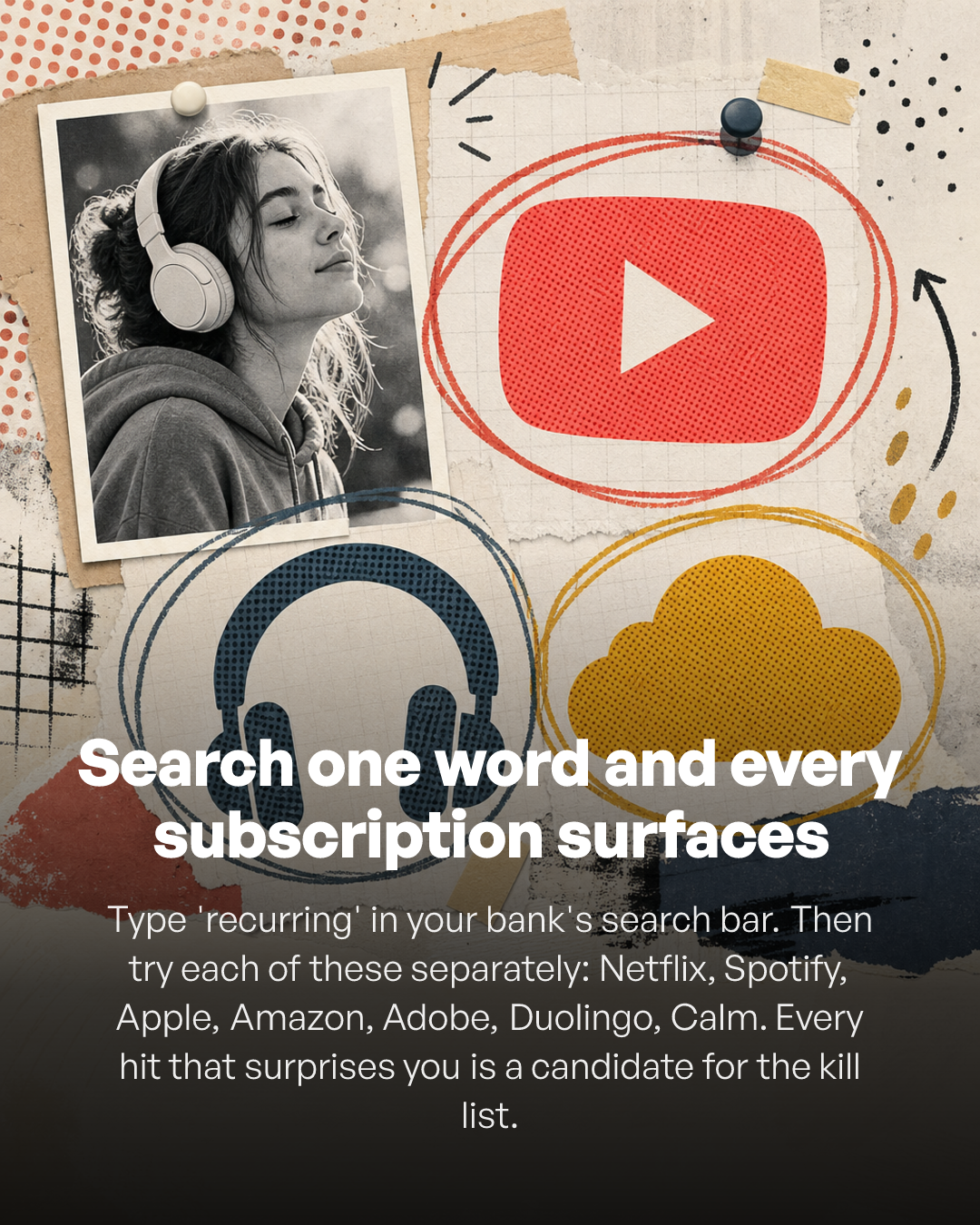
Search beyond the obvious streaming apps. Forgotten subscriptions often hide in software, storage, fitness, news, gaming, and other categories.
Streaming and music
Cloud or photo storage
News and magazines
Fitness and wellness apps
Gaming memberships
Software and productivity tools
VPN or security software
Delivery memberships
Meal or subscription boxes
Dating apps and other paid memberships
The subscription you forgot is usually not the service you use every night. It is more likely the app you downloaded for one problem months ago and never opened again.
Step 3: Check your phone's subscriptions
A bank statement shows that money moved. Your phone can make it easier to see exactly which app or service is responsible.
On iPhone
Apple currently directs iPhone users to open Settings > your name > Subscriptions, choose the subscription, and tap Cancel Subscription. If there is no Cancel button or Apple shows an expiration message, the subscription may already be canceled. Apple cancellation instructions
On Android
Open your subscriptions in Google Play, select the subscription, tap Cancel subscription, and follow the instructions. Google also warns that uninstalling an app does not cancel its subscription. Google Play cancellation instructions
Do not make this mistake
Deleting an app from your phone and canceling the subscription are two different actions. Always confirm the subscription itself has been canceled.
Step 4: Check PayPal and other payment accounts
If you have ever paid for a service through PayPal, Cash App, a digital wallet, or another payment account, check that account too. A recurring payment may be tied to a payment method you rarely think about.
The rule is simple: follow the money everywhere it can leave.
Step 5: Search your email
Your inbox can solve a mystery charge surprisingly fast. Search these terms one at a time:
subscription
renewal
receipt
invoice
free trial
membership
billing
payment
Then search the merchant name exactly as it appears on your bank statement. You may find the original signup email, a renewal notice, or a receipt that explains the charge.
The Federal Trade Commission warns that some free trials automatically become paid subscriptions if you do not cancel in time. Its consumer guidance recommends understanding the terms, knowing how to cancel, marking your calendar, and monitoring card statements. FTC guidance on free trials and auto-renewals
Step 6: Start with the subscriptions you barely use
Now you should have one list. Do not cancel everything just because it is recurring. Keep the services that genuinely earn their place in your budget. Cut the ones that do not.
Ask these three questions
Have I used this in the last 30 days? If the answer is no, it belongs on the cancellation shortlist.
Would I sign up for this again today at this price? Pretend you do not already have it. If you would not buy it today, that tells you something.
Is there a cheaper version that does enough? Downgrading, pausing, rotating services, or removing a duplicate can save money without giving up something you still use.
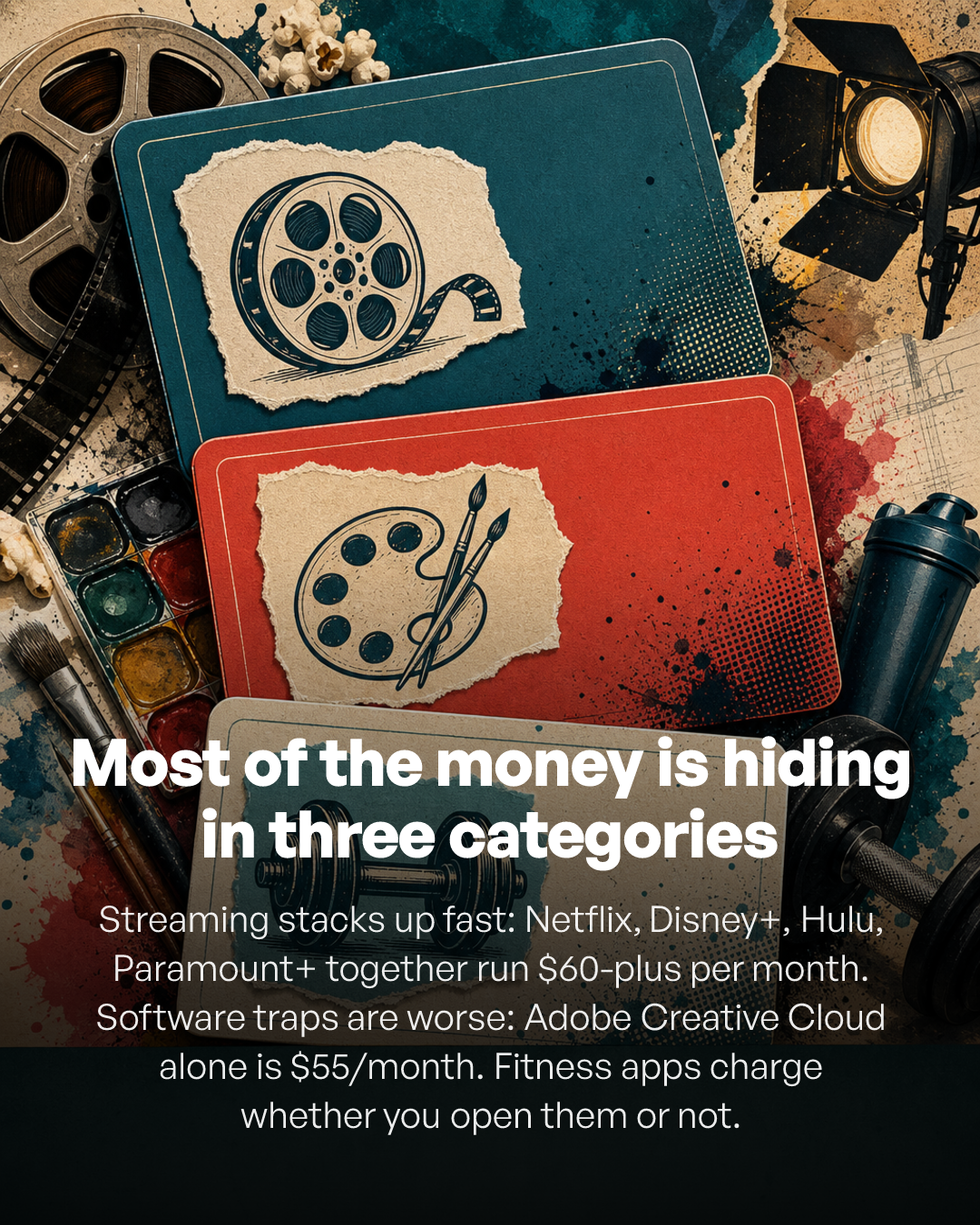
Streaming, software, fitness, storage, and other app categories are good places to look for services you no longer use.
Step 7: Cancel unused subscriptions before you talk yourself out of it
Once you decide a subscription should go, cancel it while you are looking at it. Putting it off is how another billing cycle sneaks through.
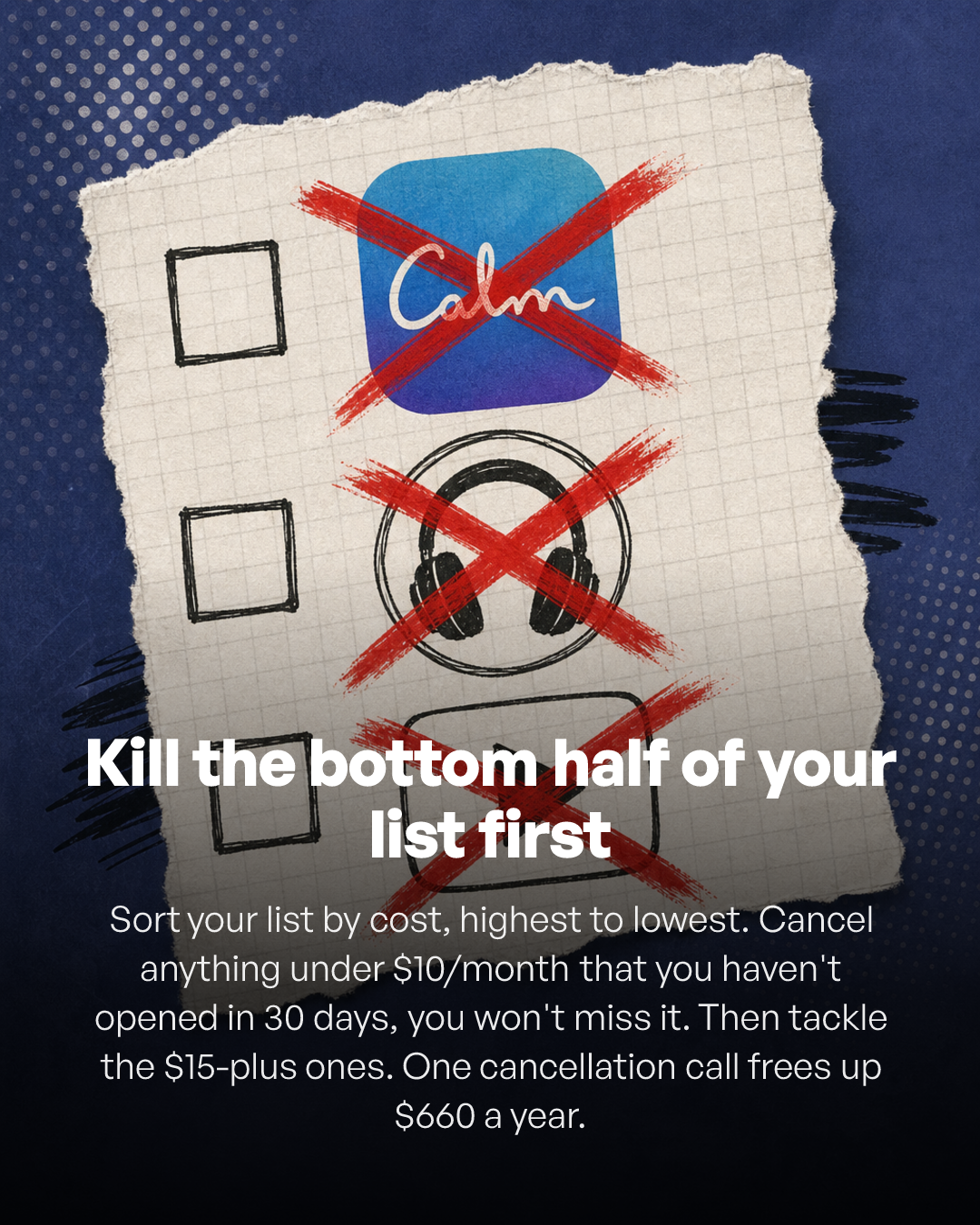
Start with services you forgot about, barely use, or would not buy again today.
Go directly to the service or the platform where you subscribed. After cancellation:
1. Take a screenshot of the confirmation.
2. Save the cancellation email.
3. Write down the final access or billing date if the service continues through the paid period.
4. Check your next statement to make sure the charge actually stopped.
Do this now
Open your banking app and find one recurring charge you do not recognize. Do not try to fix everything at once. Find the first leak, identify it, and decide whether it stays.
How much can canceling a few subscriptions save?
You do not need a giant savings number for this to be worth doing. The smaller monthly charges are often exactly what matters when the account is already tight.
For example, imagine you find three subscriptions you no longer use:
$9.99 monthly streaming plan
$14.99 fitness subscription
$6.99 storage plan
That is $31.97 per month, or $383.64 over 12 months if the prices stay the same.
That is not “get rich” money. It is real-life money. It could cover gas, part of a phone bill, a copay, or a few groceries. The win is simple: money you were wasting stays in your account instead.
Do you need a subscription-tracking app?
No. You can do this audit for free with the tools you already have: your bank statements, credit cards, phone, email, and payment accounts.
Subscription-management apps can be convenient, but convenience is not the same thing as necessity. If your goal is to stop unnecessary charges, start with the free method first. Then decide whether paying for another tool would actually help you.
What if a company keeps charging after you cancel?
Keep your cancellation confirmation and contact the company first. If the charge is coming directly from your bank account and the company keeps debiting after you revoke permission, you may have additional options through your bank or credit union.
The Consumer Financial Protection Bureau says consumers can revoke authorization for automatic bank-account payments and can ask their bank or credit union about stopping future debits. A bank may use a stop-payment order and may charge a fee. The CFPB also makes an important distinction: stopping the automatic payment does not automatically cancel the underlying contract or amount you owe. CFPB guidance on stopping automatic payments
If a transaction is truly unauthorized, contact your bank or card issuer promptly instead of assuming it is just a forgotten subscription.
Step 8: Turn on transaction alerts so the next charge cannot hide
Finding old subscriptions fixes yesterday’s problem. Alerts can help with the next one.
Open your bank and credit card apps and look under Notifications, Alerts, Security, Card Alerts, Transaction Alerts, or Purchase Notifications. Turn on the purchase alerts your bank offers. If you can choose a minimum dollar amount, set it low enough that small recurring charges do not disappear.
Purchase alerts can make small recurring charges easier to notice before months of payments pile up.
Use one more habit for free trials: the moment you sign up, create a calendar reminder two or three days before the trial ends. Name the reminder “Decide whether to cancel [service name].”
Do it during signup, not later. That one move is much easier than trying to remember every trial you started.
The 15-minute subscription audit
1. Open your main checking account and review the last 90 days.
2. Write down repeating charges you do not immediately recognize.
3. Check every credit card you regularly use.
4. Check Apple or Google Play subscriptions.
5. Check PayPal and any other payment accounts you use.
6. Search your email for subscription, renewal, receipt, trial, membership, and billing.
7. Scan the last 12 months for annual renewals.
8. Cancel services you forgot about or no longer use.
9. Save the cancellation confirmations.
10. Turn on transaction alerts and calendar reminders for future trials.
You do not need to fix your whole financial life tonight. Find one leak. Stop it. Then find the next one.
Frequently asked questions
How can I find all subscriptions connected to my bank account?
Review at least 90 days of checking and credit card transactions for repeating merchants or amounts. Also check whether your banking app identifies recurring payments. Then check phone subscriptions, payment accounts, and email because not every recurring charge will be tied to the same bank account.
Can my bank show me all my subscriptions?
Some banks identify recurring charges, but you should not assume the list is complete. A subscription may be billed through a credit card, Apple, Google Play, PayPal, or another payment method.
How far back should I check bank statements for subscriptions?
Start with 90 days to spot monthly patterns, then scan 12 months for annual renewals. A three-month review by itself can miss once-a-year charges.
Does deleting an app cancel the subscription?
Not necessarily. Google specifically warns that uninstalling an Android app does not cancel the subscription. Cancel through the platform or company where you originally subscribed.
What should I do if I do not recognize a recurring charge?
Search the exact merchant description in your email and online, then check your subscription accounts. If you still cannot identify the charge and believe it is unauthorized, contact your bank or card issuer promptly.
Can I ask my bank to stop a subscription payment?
For some automatic bank-account debits, you can revoke payment authorization and ask your bank about stopping future debits. That does not automatically cancel a valid service contract or debt, so you may need to cancel with the company separately.
Is a paid subscription-tracking app necessary?
No. A free manual audit using your bank, credit cards, email, phone, and payment accounts can find many recurring charges. A paid tool is optional convenience, not a requirement.
Stop one leak today
You do not need a perfect budget. You do not need a complicated spreadsheet. And you do not need to beat yourself up over a subscription you forgot.
Open your account. Find the first recurring charge that makes you say, “Wait, I’m still paying for that?” Then decide whether it still deserves your money.
Cancel one thing today, and that money gets a chance to stay in your account next month.
Need cash now, not next month?
If you are in Johnston or Wake County, North Carolina, and have an old phone, tablet, laptop, or game console sitting around, GRE-8 Store buys used devices for same-day cash at scheduled local meetups. See how to get a cash offer for your device
Sources
Money Made Simple uses primary consumer-protection and platform sources for the cancellation steps and payment guidance in this article.
Federal Trade Commission - Free trials, auto-renewals, and subscriptions
Consumer Financial Protection Bureau - Stopping automatic payments from a bank account


